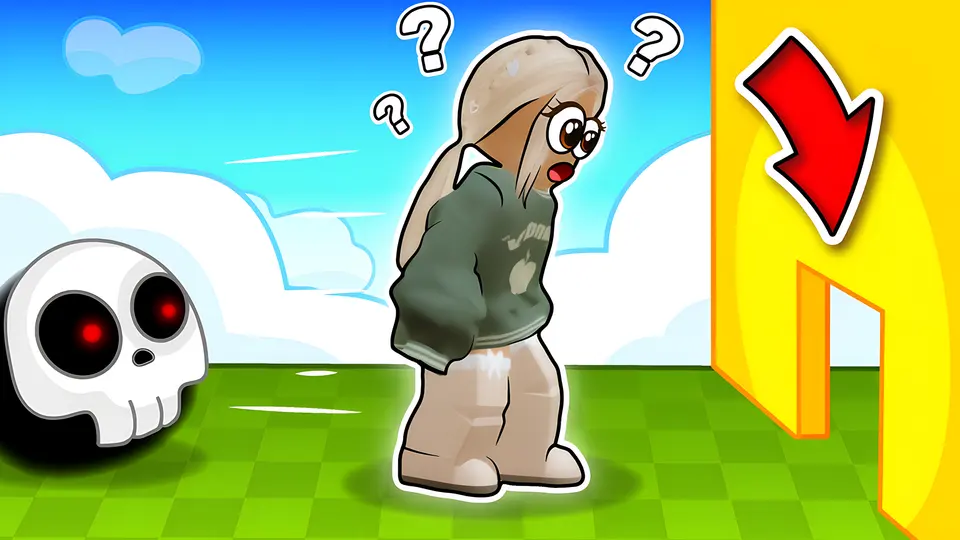
Your Obby Size
 Obby online with friends: Draw and Jump!
 Music Note
 Dinosaur Game
 Moto X3M
 Basketball Stars
 Geometry Dash: Infinity
 Eggy Car
 Sprunki: Collect All Characters!
 Bubble Shooter: Tap & Pop
 Cars
Cars Basket Random
 Bottle Flip
 Penalty Shooter
 Soccer Random
 Obby: Mini-Games
 Obby: Climb and Slide
 Obby: Run Star | Speed and Pets
 Obby: +1 Click Wall Breaker
 Obby: Extreme Cart Ride
 Obby: Steal an Egg - The Great Escape
 Obby: +1 Jump per Click
 Ball: Path Through Obstacles
 Obby: Parkour with Ragdoll
 Obby: +1 Jump with Brainrot
 Obby: Save the Brainrots Online
 Obby: Upgrade Your Lucky Machine!
 Obby: Survival Island
 Backrooms: Exit Protocol 0
 Obby: Brainrot escape from Lava
 Geometry: Black Wave
 Geometry: Black Ball
 Footchinko
 Food: Run and Battle
 BMG: Ragdoll Car Race
 Soccer Legends 2026
 Ragdoll Racing: Extreme Downhill!
 Football Free Kick
 Obby All Games: Dash or Die
 SoccerLat: 3D Football Online
 Sky Islands Obby
 Obby Weapon Rush
 Build Car for Kill Zombies
 Kickoff Academy: Football Tycoon
 Soccer Dash
 Your Obby Escape
 Block Blast
 Sudoku
 Sprunki
 Solitaire
 Pop It!
 Football - Soccer
 Football: Robots vs Zombies, World Cup!
 Sudoku - Number Games
 Solitaire: The Eternal Deck
 Pop It Master
 Tower Defense
 Stickman: Jailbreak Story
 Master Chess
 Backgammon
 Hills Of Steel
- Free
- No download
- Works on phones
- Skill Games
About the game
Your Obby Size puts the size switch right in the middle of the climb. Tap Q or E and your character grows or shrinks on the spot, so a gap that stops you at one size opens up at another. Lava sits below parts of the route, and monsters stand watch over some areas, so look before you leap.
Trophies are what push you forward: gather enough and secret routes appear, along with new places to visit and skins for your character. Sections range from easy to extreme, and shortcuts to the top are there for players who scan the walls instead of rushing.
How to play
- WASD moves your character and Space jumps.
- Q and E change your size.
- Tab pauses; hold Shift to bring up the cursor.
- The mouse wheel zooms the camera, and holding the right mouse button turns the view while the cursor is visible. On a phone, use the game's own on-screen controls.